01
Draw with real dimensions
Edit wall lengths, move corners and join internal walls. Your plan stays to scale as the layout changes.
 PlanWotOpen planner
 Explore an extension or an additional dwelling. Draw the walls, arrange the rooms and see how your ideas fit together.
Start planning for free A two-bedroom idea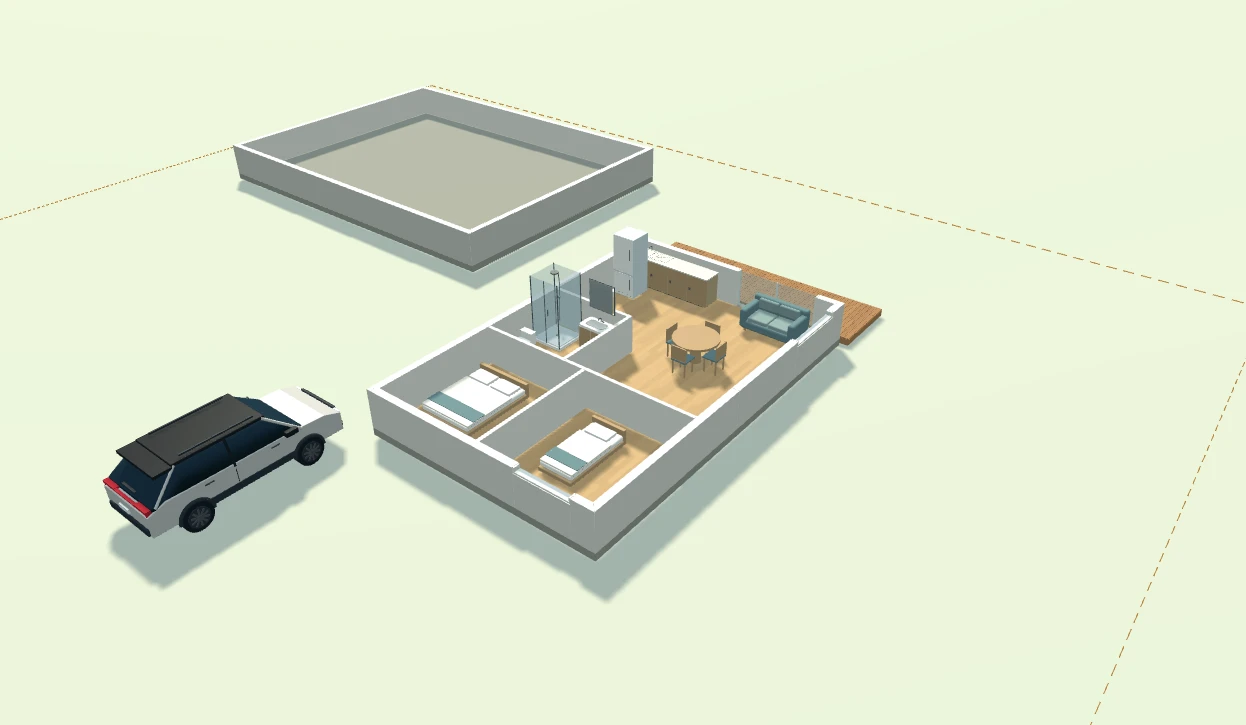
One workspace for the building, the rooms and the space around them. Switch between plan and 3D as you make changes.
Edit wall lengths, move corners and join internal walls. Your plan stays to scale as the layout changes.
Place beds, sofas, kitchen cabinets and bathroom fittings. Resize them to see what actually fits.
Switch from plan to perspective. Open the roof with cutaway views to see the layout inside.
Look up an NZ address for LINZ aerial imagery, roof outlines and approximate property boundaries. Adjust the walls and eaves to match.
Arrange decking, fences, gates and driveways. Add a car to help judge the space around a building.
Export PDF drawings, DXF linework and a 3D model to share your concept with a designer or builder.
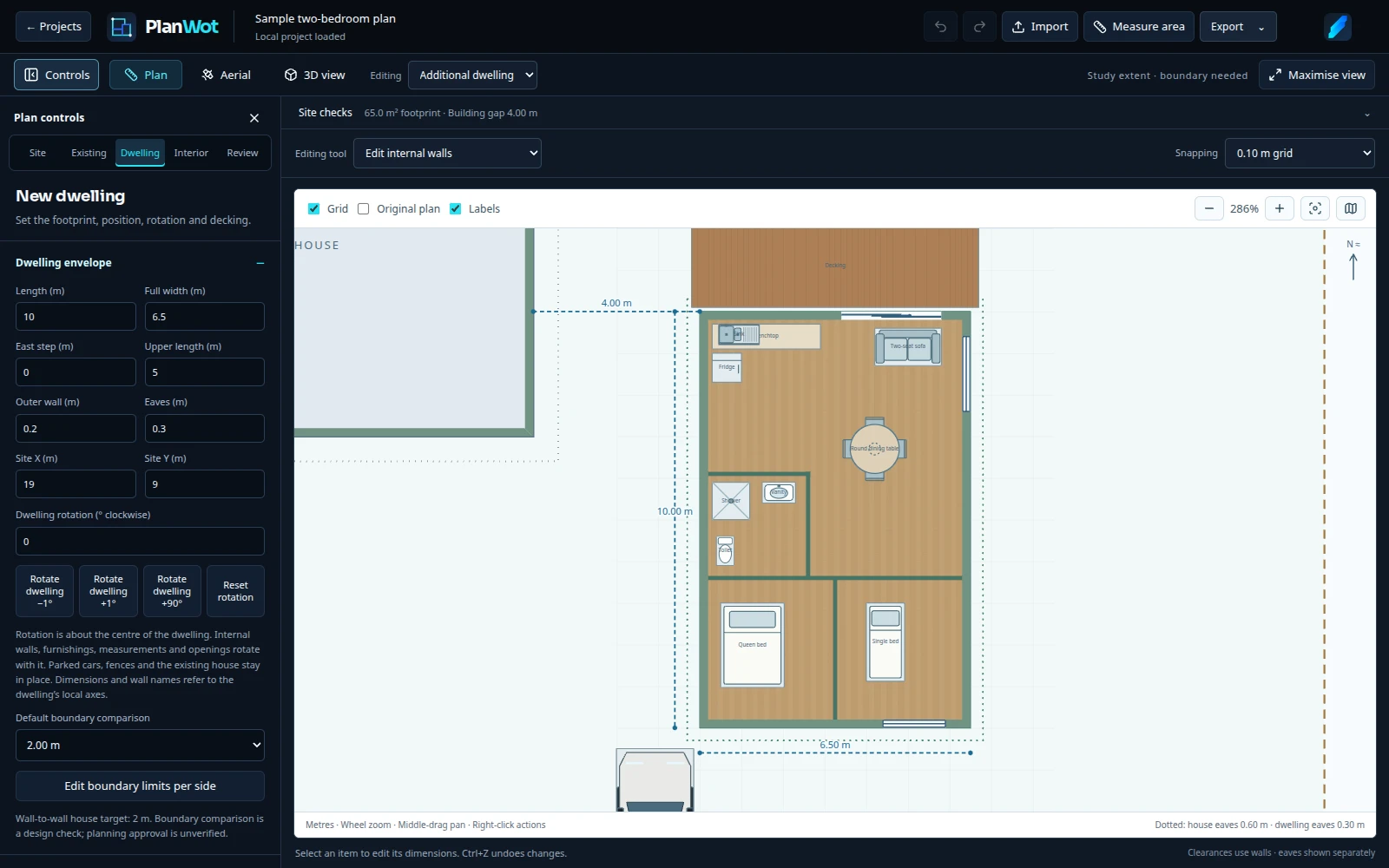 One plan. Connected views.
Start with a simple footprint or import a plan you already have. Place furnishings where you need them, edit exact sizes and undo a change when it doesn’t work.
Choose an additional dwelling or an existing-house extension. Use a simple starting footprint, a sample or a saved JSON plan.
Adjust walls and dimensions. Add furniture, fittings and finishes, then check the result in 3D.
Your project saves in this browser. Export a JSON backup and create drawings to discuss with your designer or builder.
No account and no project uploads. Plans and imported images are stored on this device. NZ address lookup sends your search or site coordinates through Cloudflare to LINZ; your edited plan stays in the browser. Export a JSON backup to keep a separate copy or move to another browser.
Browser storage can be cleared or removed. Keep backups of plans you want to retain.Free to use, including the current import and export tools.
No. Open the planner and start a plan. There is no sign-up or installation.
Projects are saved in this browser on this device using browser storage. They are not uploaded to a PlanWot project server or synced between devices. Export a JSON backup regularly: clearing site data, private browsing or browser storage removal can erase local plans.
Yes. Export the project as JSON, then import that file in PlanWot on the other computer. Use the portable JSON export to include uploaded images.
Yes. Start an extension project and edit the existing house outline, interior walls and furnishings. You can upload and align a background image, or import an existing PlanWot project. You can also start from a New Zealand address using LINZ imagery and outlines when the address service is available.
PlanWot makes concept plans, not consent or construction drawings. Dimensions, boundaries, heights, sunlight settings and building rules need independent checking. Use the exports to explain your ideas to a qualified designer.
You can open PlanWot on a phone, but a larger screen with a mouse is recommended for precise editing. The 3D view requires a browser with WebGL support.
No sign-up. Start with a sample if you’d like a look around.